 22. June 2026
WHAT TO DO IF YOUR FACEBOOK ACCOUNT IS HACKED.
A Facebook hacking incident is much more frequent than many people think, and once it occurs, time is of the essence. If you’ve either noticed something strange going on or have been blocked from accessing your account completely, then read on for instructions on how to solve this problem.
Signs your Facebook account is hacked
Ensure that you verify that your account has indeed been hacked before doing anything else. If you notice any of these, act immediately by doing the following :
- Login notifications from unfamiliar places or devices
- Your login password no longer works
- There have been changes to your email address/phone number in the account
- Unwanted posts/messages have been posted
- Your friends have gotten messages from you that you did not send
- There have been changes to your name/image/profile
What to do immediately (if you still have access to your Facebook account)
If you can still log in, you have an advantage; use it before the hacker locks you out.
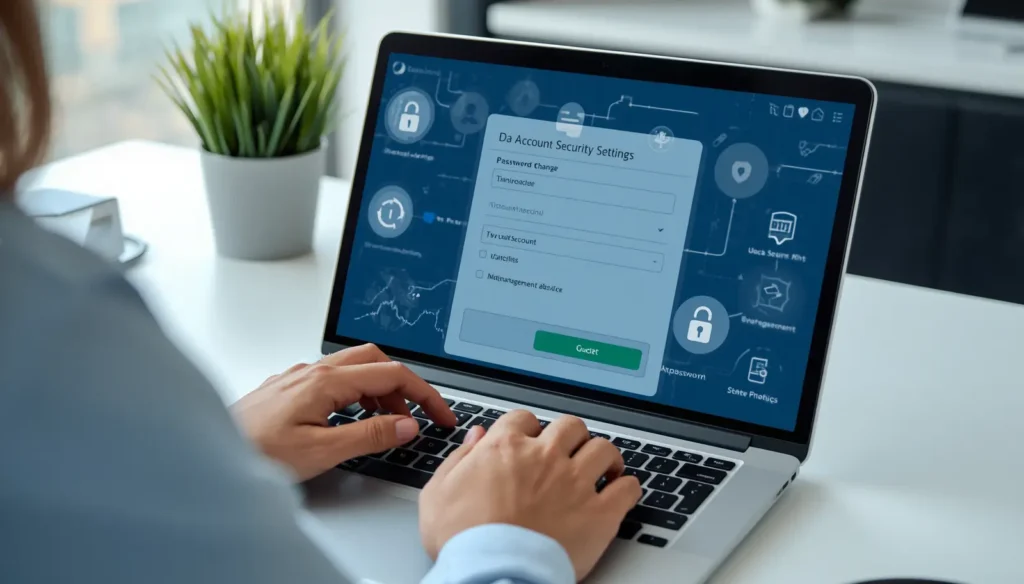
1. Change your password immediately: Go to Settings & Privacy → Accounts Center → Password and Security → Change Password. Choose a unique password that hasn’t been used by you before in any other account. Make sure to choose the “log out of all other devices” check-box.
2. Check active sessions: Open the Accounts Center → Password and Security, where you’re logged in, to confirm that only your current device remains active. Review the list of logged-in devices, locations, and login times, and sign out of any sessions you do not recognize.
3. Review connected applications: Click on Settings → Apps and Websites and uninstall all third-party applications that you do not recognize or trust. Maliciously connected apps act like a backdoor, remaining active despite changing the password.
4. Protect your email account: In case your email gets compromised, the hacker will simply reset your Facebook password once again. Therefore, immediately change the password of your email.
5. Check and update your contact information: Verify whether the main email and phone number entered under Accounts Center are indeed yours and are still in your possession.
6. Turn on two-factor authentication (2FA): Open Settings & Privacy, select Accounts Center, tap Password and Security, and then choose Two-Factor Authentication. Consider using an authentication application instead of receiving codes via SMS, as the latter method is susceptible to SIM swap attacks.
What to do if you cannot log in to Facebook
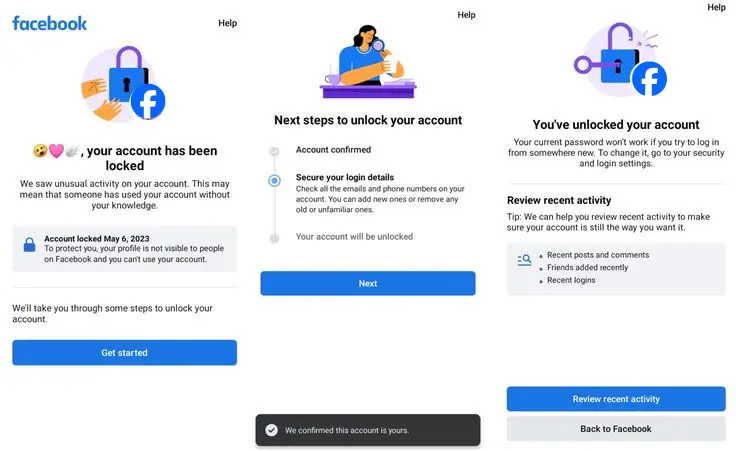
Step 1: Go to Facebook’s page for hacked accounts
Go straight to facebook.com/hacked. It is Facebook’s specific page for hacked accounts. Do not visit any other link sent through an email. Simply type the web address above in your web browser.
Step 2: Try resetting the password
Visit the Facebook login page and click on ‘Forgotten Password?’ to find your account using either your email, phone number, or your name. If you can still receive a code from your registered email or phone number, you can try resetting the password.
Step 3: If your email address was also hacked
Now things can get difficult. If your email address was also changed by the hacker, then the verification code would go to the new address. In such situations, you should:
- Search for the option which states “No longer have access to these?” or “Try another way” while recovering.
- Enter a different email address that you can verify.
- Facebook might ask you to verify your identity, so do as instructed.
Step 4: Identity verification
Facebook may request a government-issued ID to verify who you are. Submit a clear, well-lit photo of the full document. Make sure the name on the ID reasonably matches the name on the Facebook account. A blurry or cropped submission is a common reason recoveries fail at this stage.
Important: Start the recovery process on a device you have previously used to access Facebook. Recovering from a brand-new device or through a VPN can reduce Facebook’s confidence in your identity and make recovery harder.
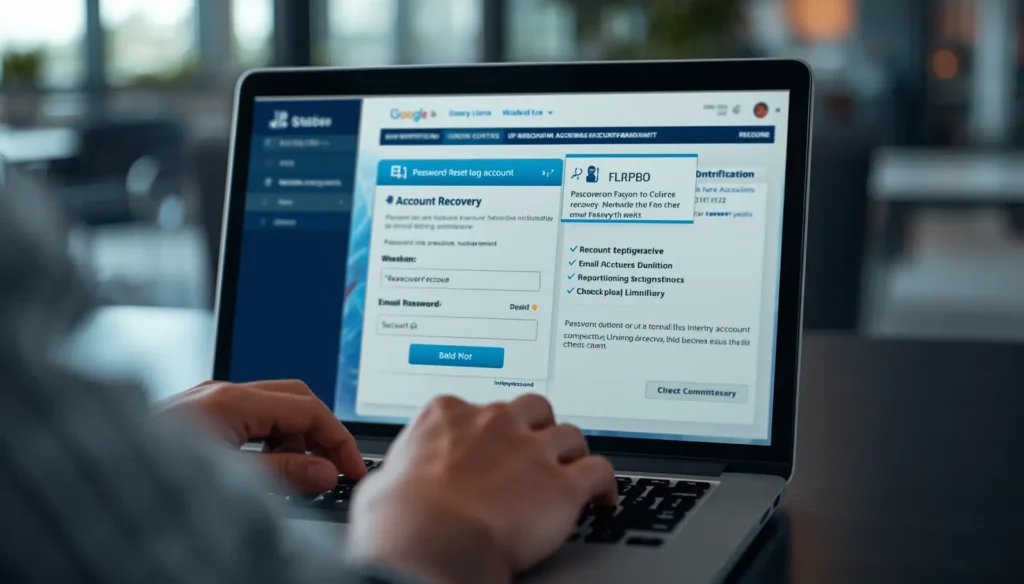
Is it possible to recover a hacked account?
Frankly speaking, it can be both yes and no, depending on circumstances.
This is completely up to how strong the verification on the Facebook side is and which of the account data was changed by the hacker. In case they managed to change both your email address and phone number, this becomes much more difficult. And if 2FA was turned on on the account itself by the attacker, then this might be even more difficult.
As it follows from Meta’s official instructions, Facebook has no special customer support department for hacked personal accounts.
How long does it take to recover a Facebook account?
The recovery process varies considerably:
- If you still have access to your email or phone number to verify yourself and receive a code, it will only take minutes.
- If your email has been changed and an identity check is necessary, it could take several days.
- If you keep getting messages from Facebook such as “Try again later,” it means that their automated processes are rate-limiting your recovery attempts. Wait for 24-48 hours and then try again. Do not spam them because it will only complicate the process further.
Can a new Facebook account fix the hacked problem?
No, and this is important.
The creation of a new Facebook account will not solve the problem of hacking your Facebook account. It will not retrieve any information that you have posted on your previous account, including photos and friends. It will not connect with the hacked account. If you want to retrieve your account, creating a new Facebook account is not the way out.
Beware of Facebook recovery scams
As soon as someone gets locked out of his/her account, scammers exploit that situation. Beware:
- No other organization can recover your Facebook account; the ultimate authority is with Facebook.
- Do not consider any offers regarding the “hacking back” of your account or paid recovery services via unauthorized means.
- Most importantly, be careful about “Facebook Support numbers” that appear in the search results; many of them may be scams aimed at stealing your personal information or money.
- The recovery of your Facebook account must always be performed via facebook.com/hacked and the Facebook Help Center on facebook.com/help.
Conclusion
If your Facebook account gets hacked, time is crucial, but doing the right thing in the right way is equally important. Protecting your email should be the first step, followed by the attempt to recover your account via the official means on Facebook from facebook.com/hacked.
Sources: