 06. July 2026
WHAT TO DO IF YOUR EMAIL ACCOUNT IS HACKED.
When your email account is hacked, much more than your inbox is at risk. Your bank accounts, social media profiles, online shopping accounts, and other services connected to that email address could also be compromised. Recovering a hacked email account usually follows a clear process. Acting quickly and following the right steps can help you regain access, lock the hacker out, and reduce the risk of further damage.
This guide explains exactly what to do if your Gmail, Outlook, Yahoo Mail, or Microsoft 365 email account has been hacked.
How to tell if your email account has been hacked
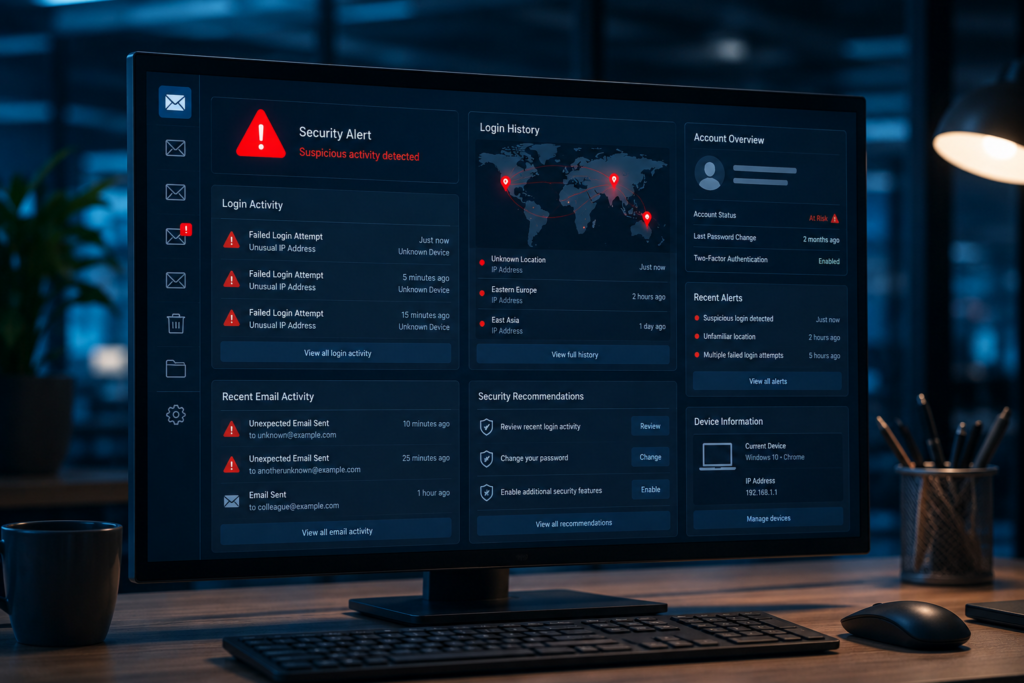
Prior to embarking on the process of recovery, ensure that your email account has indeed been hacked. Some of the most common indicators are:
- Your regular password doesn’t work anymore.
- If you’re still signed in to your email on your phone or computer, you’ll notice messages in your Sent folder that you didn’t send.
- Your contacts have inquired if you’ve sent some strange emails.
What to do immediately
1. Scan your devices for malware
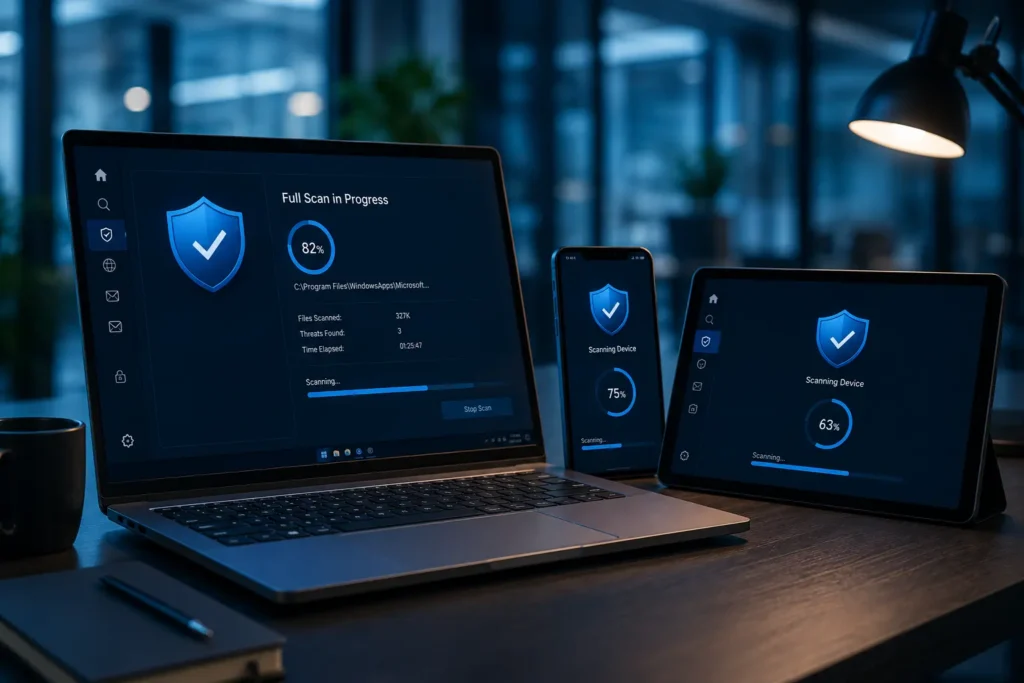
Before changing your password or trying to recover your email account, scan every device you use to access your email. Hackers sometimes install malware or keyloggers that record everything you type, including your new password. Do the following:
- Windows: Open Windows Security, go to Virus & threat protection, next Scan options, then run a Full scan.
- Mac: Apple’s XProtect runs automatically, but you should also run a full scan using a trusted antivirus application.
- Android or iPhone: Install a reputable mobile security app, such as Malwarebytes or Bitdefender, and perform a complete scan.
2. Check if you still have access to your account
Your next steps depend on whether you can still access your email account. Remember that even if your password no longer works, you may still be signed in on your phone, tablet, or computer through your email app or web browser.
If you can still log in
- Change your password.
- Generate a password of at least 12 characters with upper case letters, lower case letters, digits, and special characters.
- Do not use any old password or personal information like date of birth or name as a password.
- Sign off from all other sessions if your email provider provides such an option.
If you cannot log in
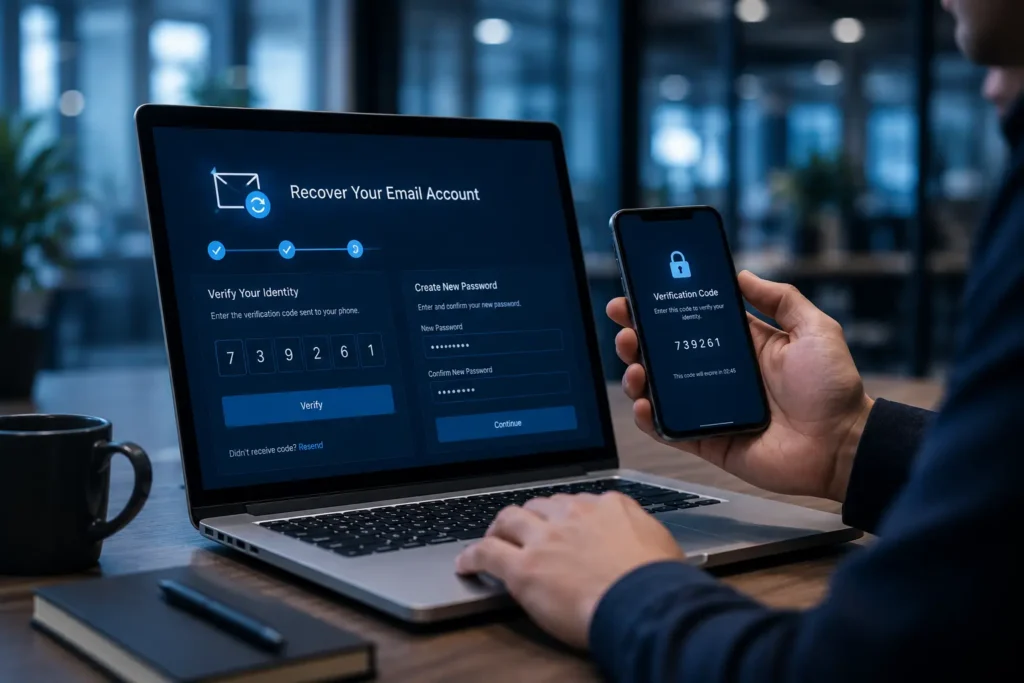
In case the hacker has already reset your password, there is no need for panic. You will not be able to reset your password until you recover your account; hence, start the account recovery procedure through your email service provider.
How to recover your email account
1. Gmail
Visit Google’s account recovery page and verify your identity using your recovery phone number, recovery email address, previous passwords, or other account information. After recovering your account:
- Review recent security activity.
- Sign out of unfamiliar devices.
- Remove suspicious email filters and forwarding rules.
- Verify that your recovery email and phone number haven’t been changed. If it has, contact Google’s support and continue with the account recovery process.
2. Outlook, Hotmail, and Live
Use Microsoft’s sign-in helper to begin the recovery process. If you cannot sign in, complete the Microsoft Account Recovery form. Once you regain access:
- Remove suspicious inbox rules.
- Delete unauthorized forwarding addresses.
- Review recent sign-in activity.
- Enable two-step verification.
3. Yahoo Mail
Use Yahoo’s sign-in helper to recover your email account. After signing back in:
- Review recent login activity.
- Remove unauthorized recovery email addresses and phone numbers.
- Delete unknown app passwords.
- Remove any remaining security questions.
4. Microsoft 365, Exchange, and Work or School Accounts
If your email belongs to your employer or school, contact your IT administrator immediately. Business accounts may also require security or compliance reporting after a breach. Administrators can:
- Force a password reset.
- Sign out all active sessions.
- Remove malicious forwarding rules.
- Review Microsoft 365 security logs.
- Investigate suspicious account activity.
After you regain access
Whether you recovered your account yourself or never lost access, take these steps immediately:
1. Secure every account linked to your email
Your email account is the master key to many of your online accounts. Update the passwords for every account connected to your email, for example, online banking, payment services, shopping websites, and social media accounts. Use a unique password for every account. A password manager can help you generate and store strong passwords securely.
2. Enable two-factor authentication (2FA)
Turn on two-factor authentication wherever possible. Even if someone discovers your password again, they won’t be able to access your email account without the second verification step, such as a code sent to your phone or generated by an authentication app.
3. Review your security settings
Hackers often change account settings to maintain access even after you’ve recovered your account. Remove anything you didn’t authorize. Check for:
- Unknown recovery phone numbers.
- Unknown recovery email addresses.
- Email forwarding rules.
- Suspicious inbox filters.
- Connected third-party applications you don’t recognize.
4. Inform your contacts
Phishers may have used your hijacked email account to send phishing emails or links to everybody on your contact list. Alert your contacts using some other means, like a phone call, text, or instant messenger service. Ask them to disregard any strange-looking emails coming from you and avoid clicking any links or downloading any files attached to those emails.
5. Report the hack
Reporting the incident helps protect both you and others. Take these steps:
- Contact your email provider through its official support channels.
- Notify your bank and credit card companies if financial information may have been exposed.
6. Protect your identity
If sensitive information may have been exposed, consider placing a fraud alert or enrolling in a credit monitoring or identity monitoring service where these options are available. These services can notify you of suspicious activity involving your personal or financial information. If a paid identity monitoring service isn’t practical, regularly review your bank and credit card statements, monitor your credit report (where available), and enable transaction alerts through your bank so you can quickly detect and report unauthorized activity.
In case the account gets hacked more than once or the security provider is still dealing with spam or phishing, it would be the best choice to open a new email account. Forward your messages and slowly switch to a new account.
How email accounts get hacked
Understanding how attackers gain access helps you prevent future attacks. Common causes include:
- Phishing emails and fake login pages.
- Passwords exposed in data breaches.
- Weak or reused passwords.
- Malware such as spyware and keyloggers.
- Using unsecured public Wi-Fi without a VPN.
- Leaving your account signed in on shared or public computers.
Long-term email security tips
Reduce the chances of another attack by following these best practices:
- Filter spam and block suspicious senders.
- Run regular antivirus scans on all your devices.
- Review connected apps, forwarding rules, and account settings every few months.
- Keep your recovery phone number and backup email address up to date.
- Use a separate email address for newsletters, online registrations, and less important websites.
- Monitor your credit report regularly for unusual activity.
Conclusion
A hacked e-mail account is frustrating, but responding immediately will greatly mitigate any harm caused. Begin by scanning your devices, check to see if you have access to your account, use your service provider’s recovery procedure if needed, and lock down all accounts linked to your e-mail address.
Sources