 13. August 2026
WHAT TO DO IF YOUR INSTAGRAM ACCOUNT IS HACKED (STEP-BY-STEP GUIDE).
A hacked Instagram account can feel overwhelming, especially if you’ve lost access to your login credentials. Whether a hacker changed your password, swapped your email address, or is posting content you never created, there are clear steps you can take to recover your account and lock hackers out for good.
This guide walks you through exactly what to do whether you can still log in or you’ve been completely locked out, and how to prevent it from happening again.
Signs your Instagram account has been hacked
Before jumping into recovery steps, it helps to know what to look for. Common warning signs include:
- Comments or posts appearing on your account that you didn’t create.
- An error message reading “Try again later” when you attempt to log in.
- An email notifying you that your account email or password was changed.
- Unfamiliar accounts linked in your Accounts Center.
- Sudden inability to log in with your usual password.
How to Recover a Hacked Instagram Account You Can’t Log Into
If you’ve lost access entirely, Instagram gives you several recovery paths. Try each one, since availability depends on your account type and what information the hacker changed:
Step 1: Check Your Email for a Message From Instagram
If your email address was changed, Instagram sends a notification from security@mail.instagram.com. Open that email and select Secure My Account to reverse the change. If your password was also changed and this option doesn’t work, move to the next step.
Step 2: Request a Login Link
A login link lets Instagram confirm you own the account without needing your old password.
- On the login screen, tap Forgot password?
- Enter the username, email, or phone number linked to your account, then select Send login link.
- Complete the CAPTCHA to verify you’re human, then tap Next.
- Open the link from your email or text message and follow the instructions to regain access.
If you don’t have access to the email or phone number on file, visit the account recovery page for further options.
Step 3: Request Support and Verify Your Identity
If the login link doesn’t work, you can request support directly from a mobile device. Enter a secure email address you control, since Instagram will send next steps there. Depending on your account, verification may involve:
- Confirming the email or phone number you originally signed up with, and the device type you used (iPhone, Android, iPad, etc.)
- Submitting a short video selfie showing you turning your head in different directions, if your account has photos of you
The video is used only to confirm you’re a real person and is deleted within 30 days; it’s never visible on your profile. If your identity can’t be confirmed the first time, you can resubmit a new video.
What to Do If You Can Still Log In
Catching a hack early, while you still have access, makes recovery much simpler. Take these steps right away:
- Change your password: Use a mix of at least six letters, numbers, and special characters (like !$@%), and avoid anything tied to your name, birthday, or other personal details.
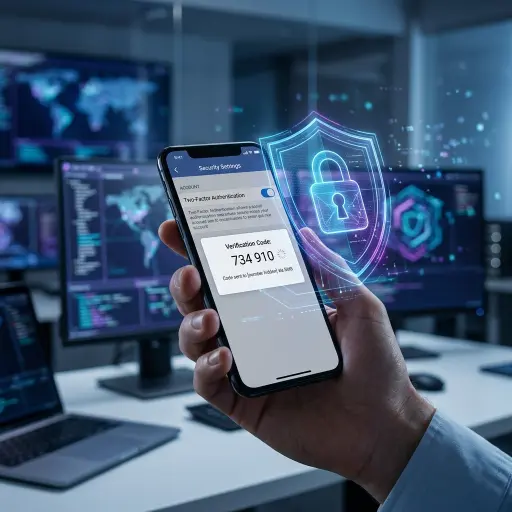
- Turn on two-factor authentication: This is the single most effective way to block unauthorized logins, since it requires a code whenever someone tries signing in from an unrecognized device.
- Check your account settings: Confirm the phone number and email listed are actually yours.
- Review your Accounts Center: Remove any linked accounts you don’t recognize.
- Revoke third-party app access: Disconnect any apps you don’t remember authorizing, since these can give outside access to your account.
Note that changing your password automatically logs out every device connected to your account, so you’ll need to sign back in afterward.
Protecting Yourself From Instagram Phishing Attempts
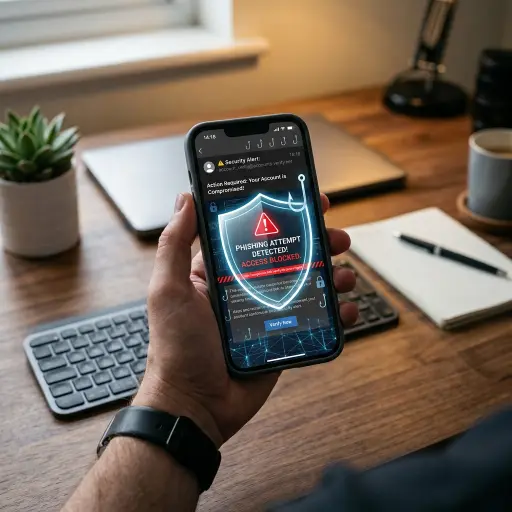
Many hacks start with phishing, a scam message or email designed to trick you into handing over your login details. These messages often claim your account will be banned or deleted unless you act immediately. To avoid falling for phishing attempts:
- Don’t click links or download attachments from unexpected messages claiming to be from Instagram.
- Never respond to messages asking for your password, Social Security number, or credit card details.
- Verify legitimate Meta emails by checking the sender address, which typically includes domains like @meta.com, @support.facebook.com, or notification@facebookmail.com.
- Report suspicious emails directly to phish@instagram.com.
If you already entered your credentials into a suspicious link, reset your password immediately and log out of any devices you don’t recognize.
Building Long-Term Account Security
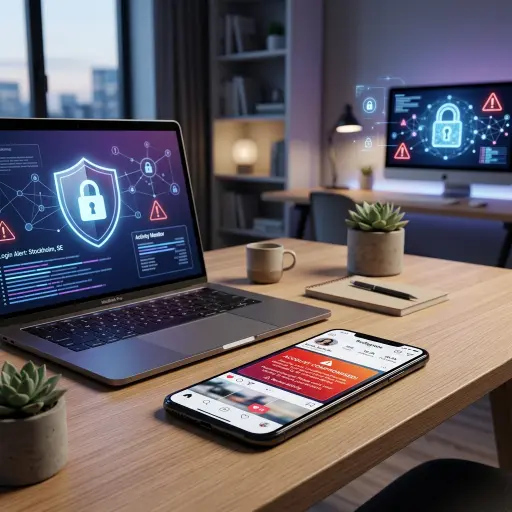
Recovering your account is only half the job; preventing another hack matters just as much.
- Use a unique, strong password for Instagram that you don’t reuse anywhere else. A password manager can help you maintain and update these regularly.
- Enable two-factor authentication, which is turned on by default for creator accounts, so double-check it hasn’t been disabled.
- Secure your email account, since anyone with access to your email can often reset your Instagram password too.
- Log out on shared devices and avoid selecting “Remember me” on public computers.
- Be cautious with third-party apps, especially ones promising free followers or likes in exchange for your login details; these are common scams.
Conclusion
A hacked Instagram account is stressful, but recovery is usually straightforward if you act fast and follow the right steps. Start with the recovery tools Instagram provides, then lock down your account with a strong password and two-factor authentication so it doesn’t happen again.
If your Instagram account is hacked, visit instagram.com/hacked immediately to start recovery. Request a login link via email or phone, check for a message from security@mail.instagram.com, and verify your identity if prompted. If you can still log in, change your password right away and enable two-factor authentication.