 23. November 2026
HOW TO RECOVER A HACKED X ACCOUNT AND LOCK DOWN YOUR PROFILE.
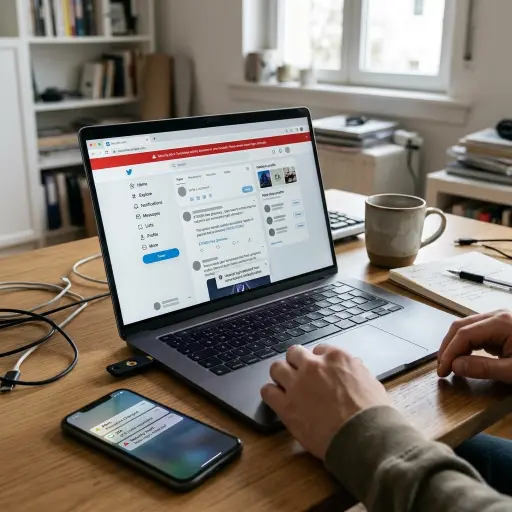
A hacked X account can expose your followers to spam, phishing links, fraudulent messages, or unauthorized posts published in your name. If someone gains access, securing your account quickly can limit further damage and prevent the attacker from using it to target others.
Whether you can still log in or have been locked out completely, the recovery process starts with securing your account, checking connected apps, and removing unauthorized access.
Signs your X account has been hacked
An account compromise is not always immediately obvious. Watch for changes you did not make, including:
- Unauthorized posts, reposts, replies, or direct messages.
- Unexpected password, email address, or phone number changes.
- Security notifications about unfamiliar logins or account activity.
- A password that suddenly stops working.
A compromised third-party app connected to your X account can also put your account at risk. If attackers gain control of the app or exploit its permissions, they may be able to publish posts, follow accounts, send messages, or perform other actions on your behalf without your knowledge. Either way, investigate the activity and revoke access to apps you no longer trust.
How to secure your X account if you can still log in
If you still have access to your account, take the following steps to remove unauthorized access:
1. Change your X password
Click on Account, click on Password, and choose to change your password. Choose a new password. This should be a unique password (not one you use on any other sites).
If you have used the same password elsewhere, change the password on those accounts too. If one password is compromised, using the same password on multiple services may cause multiple accounts to be compromised.
2. Secure your linked email address
If someone has access to your email account, they may be able to gain access to password resets and alter information associated with your account.
Ensure your email password is secure, check your current sessions and enable 2-step verification. If required, change the email address linked to your account in the Account settings within X.
If you receive an email sent from verify@x.com informing you of an unauthorised change to your email address, click the revert link in the email to try to restore your previous email address.
3. Remove unauthorized third-party app access
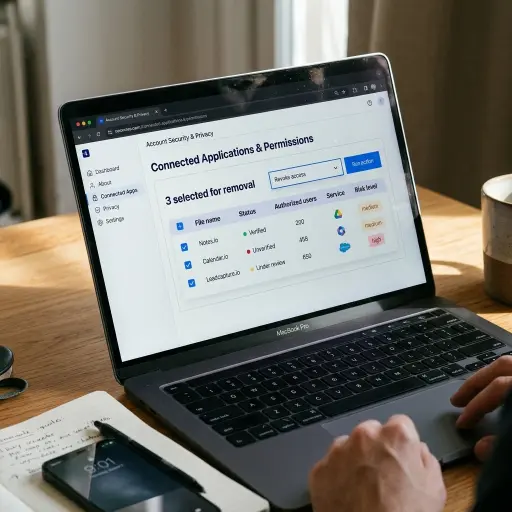
Connected apps can have permission to perform actions on your X account. A compromised or untrustworthy app may publish posts, interact with accounts, or access information depending on the permissions granted.
Log in to X through a web browser, open Settings and privacy → Security and account access → Apps and sessions → Connected apps, and revoke access to unfamiliar or unnecessary apps. If you use X Pro teams, review the team membership and remove anyone you do not recognize.
4. Check your active sessions
Sign out of any suspicious devices or sessions to reduce the chance that the attacker still has access. If you think that the device is compromised, make sure to lock the device or run a virus scan on it before changing passwords.
How to recover a hacked X account when you cannot log in
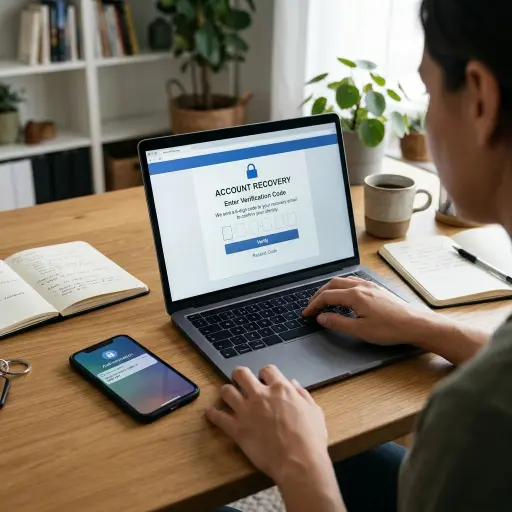
If an attacker has changed your password or login details, use X’s account recovery process:
- Reset your password: On the X login page, select Forgot password and follow the instructions using your registered email address or phone number.
- Contact X support: If the reset process fails or your recovery details have been changed, submit an account access request through the X Help Center.
- Provide account information: Include your username and the date you last had access to the account. Use the email address associated with the account where possible so you can receive recovery instructions.
If password reset requests are being triggered repeatedly, review your password reset settings and enable the option requiring your email address or phone number to initiate a reset, where available.
How to prevent your X account from being hacked again
Take steps to make sure your X account is secured:
- Use 2-step verification: Using an authentication app or a security key will protect your password.
- Use a unique password: Ensure that no other services (social media, email, etc.) share the same password.
- Don’t click on phishing links: Make sure that the web address you are entering your details on is correct. Phishing sites often mimic X to trick users into giving away their login details.
- Limit permissions given to apps: Regularly check apps connected to your account and remove any permissions that you no longer require.
- Update devices: Make sure that your operating system, browsers, and apps are updated to fix any known security issues.
- Check for malware: If suspicious activity persists, check your devices for Malware. This could be stealing your login details.
Conclusion
Recovering a hacked X account requires more than changing your password. Secure your linked email, revoke suspicious app permissions, review active sessions, and use X’s account recovery process if you have been locked out. Once you regain access, enable two-factor authentication and check your devices for security issues to reduce the risk of another attack.
Have you ever had to recover a hacked social media account? Drop your experience in the comments.
Sources: