 05. February 2026
AVOIDING MALWARE AND VIRUSES.
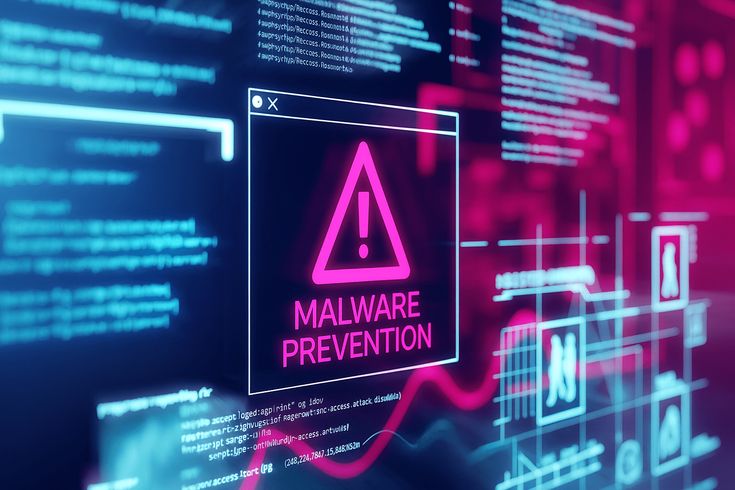
In the digital age, malware and viruses are no longer just a concern for IT professionals; they are a daily risk for anyone with a smartphone or computer. Malware (short for malicious software) is a broad term covering everything from viruses (which replicate and spread) to ransomware (which locks your files) and spyware (which steals your data). Avoiding these threats requires a “layered defense” combining the right tools with smart online habits.
Your First Line of Defense: Software Updates
To ensure you aren’t an easy target for hackers follow these best practices:
- Automate Everything: Enable automatic updates for your operating system (Windows, macOS, iOS, Android) and your web browsers. This removes the “I’ll do it later” human error.
- Audit Your Apps: It’s not just the OS that needs love. Regularly update third-party apps, as they can also serve as bridges for malware.
- Know When to Retire Devices: If a device is too old to receive the latest security patches (e.g., Windows 7 or an iPhone 6), it is inherently unsafe. Never use “End of Life” (EOL) devices for sensitive tasks like online banking or accessing medical records. If the manufacturer has stopped supporting it, hackers have likely already mapped out all its unfixable flaws.
Antivirus: Do You Still Need It?
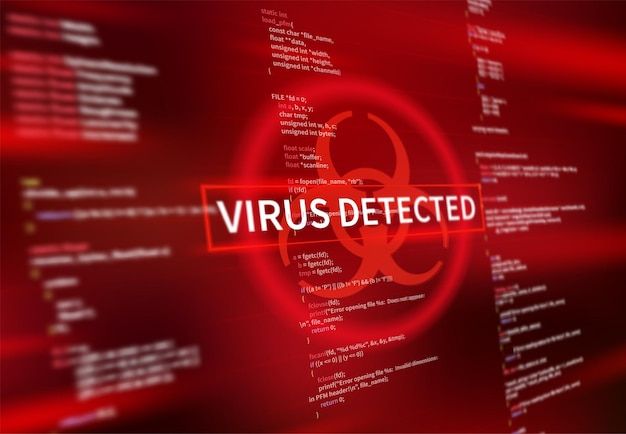
In 2026, we’ve moved past simple virus scanning. Modern threats are dynamic, they change their face to bypass basic filters, meaning your defense needs to be just as smart, here is why you need antivirus:
- Windows: The Layered Shield Microsoft Defender remains a high-quality baseline, but because it is the most common defense, it is the one hackers study most. For 2026, consider a layered approach. keep Defender active, but supplement it with an AI-driven behavioral tool. These “Next-Gen” AVs don’t just look for known files; they watch for suspicious actions, like an app suddenly trying to encrypt your entire photo library.
- MacOS: Breaking the Immunity Myth The era of Mac “invincibility” is over. While Apple’s architecture is robust, macOS-specific ransomware is on the rise. Don’t rely solely on built-in features; use real-time monitoring tools to catch “Zero-Click” threats that try to exploit the system before Apple can patch them.
- Mobile: Your phone is the easiest access for attackers because it holds your banking apps and identity, to enable antivirus:
- Android: Google Play Protect is your first line of defense, but specialized mobile security is now vital for blocking AI-generated phishing links sent via SMS or WhatsApp.
- iOS: Since Apple restricts traditional “scanners,” your best defense is a secure DNS or VPN. This acts as a filter, stopping malicious traffic at the network level before it ever touches your screen.
Safe Browsing & “Phishing” Prevention
How to ensure safe browsing and preventing phishing:
- Avoid Phishing: Cybercriminals use AI to make emails and texts look incredibly realistic. Never click links or download attachments from unexpected sources. When in doubt, go directly to the official website instead of clicking a link in an email.
- Browser Notifications: Turn off browser notifications for random websites. Scammers often use these to push fake “Your PC is infected!” pop-ups that lead to real malware downloads.
- Public Wi-Fi: Always use a VPN (Virtual Private Network) when on public Wi-Fi (like at a coffee shop) to encrypt your traffic and keep hackers from intercepting your data.
Conclusion
Ultimately, staying current is your most powerful tool for malware prevention. By letting your devices update themselves, you turn yourself into a hard target, the kind most hackers won’t be able to hack.