


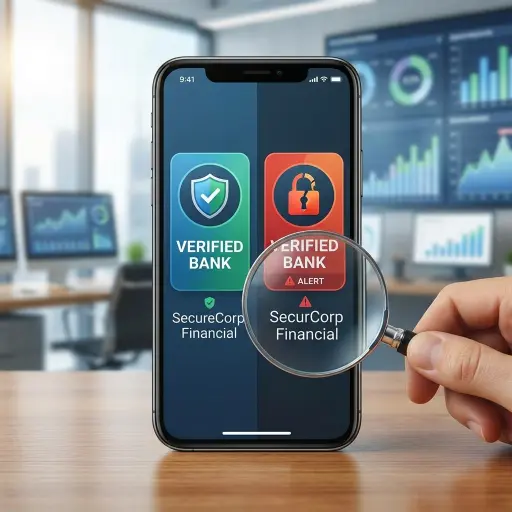

Mobile banking apps simplify daily transactions, but fraudulent apps found on app stores and third-party websites can pose serious security risks. Cybercriminals design these apps to imitate legitimate banking platforms and steal login credentials, account details, and personal information.
Fake banking apps often copy the logos, interface layouts, and color schemes of established financial institutions. Installing one can lead to unauthorized account access, data theft, and other security threats. Verifying an app’s authenticity before downloading it is one of the best ways to protect your financial information.
Verify the Developer Name and Source
- Check the exact spelling: Malicious developers may change a single character or add extra words to a bank’s name. Compare the listed developer with the official name shown on your bank’s website.
- Avoid third-party platforms: Download banking apps only from trusted sources such as the Apple App Store or Google Play Store. Avoid APK files from search results, unsolicited messages, or unfamiliar websites.
- Use your bank’s official website: Visit your financial institution’s website directly and use its official app download link to reach the correct store listing.
Evaluate Download Numbers and Release Dates
- Check download volumes: A major financial institution typically has a large number of users. An app claiming to represent a well-known bank but showing very few downloads deserves closer scrutiny.
- Check the app’s history: Fake apps may be removed and replaced frequently. A supposedly established bank app with a very recent release history should be verified carefully.
Inspect App Descriptions and Branding Quality
- Look for grammar and spelling errors: Official banking apps usually go through professional review processes. Awkward phrasing, typos, and obvious grammatical mistakes can indicate an illegitimate listing.
- Examine visual assets: Check the app icon, screenshots, and promotional images. Blurry graphics, stretched logos, or unusual brand colors may signal an unauthorized copy.
Review Requested Permissions Before Download
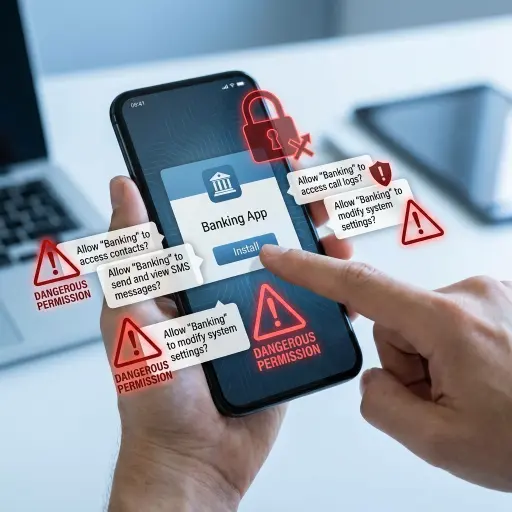
Mobile apps may request access to certain device features, but those permissions should match the app’s purpose.
- Check whether permissions are necessary: A legitimate banking app may request access to features such as your camera for specific services or location information for finding nearby branches or ATMs.
- Watch for unnecessary access: Be cautious if an app requests access to SMS messages, contacts, call logs, or administrative controls without a clear reason. Excessive permissions can create additional security risks.
Analyze User Reviews and Ratings
User reviews can provide useful clues about an app’s legitimacy.
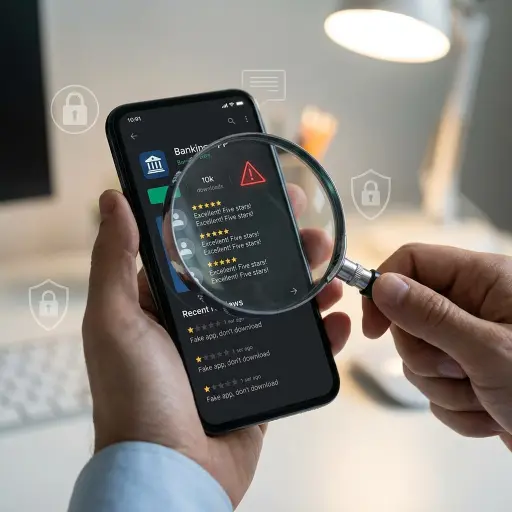
- Watch for repetitive positive reviews: Fake apps may use automated or manipulated reviews to improve their ratings. Multiple short, similar five-star reviews posted within a short period can be a warning sign.
- Read recent negative reviews: Pay attention to reports of suspicious redirects, unexpected pop-ups, login problems, or other unusual behavior.
Conclusion
Fake banking apps can look convincing, which makes careful verification essential before installing any financial application. Always check the developer name, download source, app history, branding quality, requested permissions, and user reviews before proceeding.
When in doubt, avoid installing the app and visit your bank’s official website to find its verified mobile application. Taking a few minutes to confirm an app’s authenticity can help protect your device, personal information, and financial accounts from fraud.
Source